
Choose your rhythm.
Set your focus and break times, or count up without a time goal. After a full Pomodoro run, keep going with Count Up.
A kinder place to focus
Choose one task, start the timer, and watch a Japanese café come to life as you make progress.
iPhone · iPad · Mac with Apple silicon
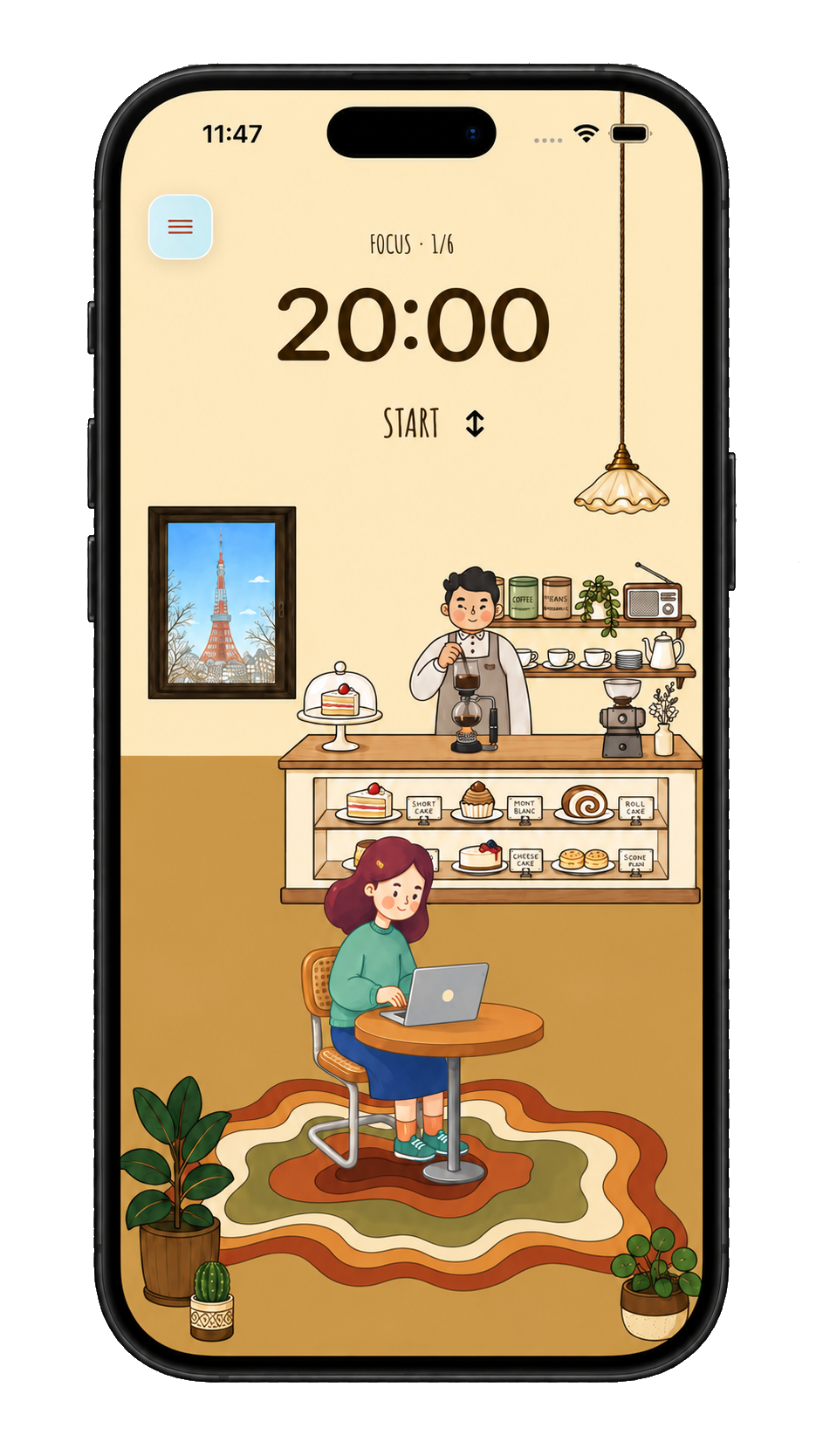
Made for starting
Kissa brings together what you need to find your rhythm without turning focus into more work.
Set your focus and break times, or count up without a time goal. After a full Pomodoro run, keep going with Count Up.
Blend coffee shop, rain, fireplace, or keyboard sounds until the atmosphere helps you stay.
Earn cups for your café and achievements for showing up. Each session adds a little more to your world.
Free to begin. No account and no need to configure everything before your first Focus.
Your kissaten, session by session
A familiar café, with new faces to make it yours. Earn cups as you focus, then welcome new companions—some free, others unlocked with cups, no Pro required.
You do not have to earn a perfect place. You only have to return to it.
Good company helps. Invite up to two friends to focus alongside you, each working on your own thing.
Free to begin
Pomodoro, Count Up, tasks, four ambient sounds, and a café to make your own. Meet free companions and unlock more with the cups you earn—no Pro required.
More sounds, customization, and progress insights. Plan your sessions, then export them to Apple Calendar when you want.
Kissa Pro availability, pricing, and terms appear in the App Store for your region.
Frequently asked questions
No. Kissa also includes Count Up, tasks, ambient sounds, rewards, customization, planned sessions, and progress views.
Yes. Pomodoro, Count Up, tasks, rewards, selected customization, and four ambient sounds are available for free.
iPhone, iPad, and compatible Macs with Apple silicon (M1 or later); Intel Macs are not supported. On iPhone Duo, layouts adapt to the outer and inner displays in portrait and landscape. Check the App Store for full system requirements.
Yes. Kissa with friends lets two or three people start a shared Pomodoro session through Apple Game Center. It requires iOS or iPadOS 26 or later and an up-to-date app on each participating device. Your tasks and history stay private on your device.
No Kissa account is needed to get started. Game Center sign-in is needed for sessions with friends and is optional for syncing achievements.
There is no automatic progress sync. In Settings, you can enable optional manual iCloud backups; access is off by default. Restoring replaces progress instead of adding cup balances. Restore Purchases is separate, and Game Center can sync achievements.
In Settings, separately enable manual iCloud backups or save new completed Focus and explicitly finished Count Up sessions as Mindful Minutes in Apple Health. Both are off by default; Kissa does not read Health data. The Pro planner can export to Apple Calendar as independent event copies, without automatic synchronization.
No. Kissa offers a gentle reminder to return or an open mode without blocking or reminders.
No. Kissa is not a medical device and does not diagnose or treat ADHD. It draws on timed focus blocks, structured breaks, and gentle reminders that some people find useful for concentration; it does not replace professional care.
Your table is ready
Download Kissa for free and turn focused time into a little world of your own.